
GitHub Desktop
Experience Git without the struggle
Download Now
Free for Windows, macOS. No registration required.
One of over 130 tools we've selected. No paid listings.
How we review software →Screenshots
About GitHub Desktop
GitHub Desktop is the official graphical Git client from GitHub, built to make version control approachable without giving up the workflows developers rely on every day. It wraps the most common Git operations in a clean visual interface, so you can commit, branch, merge, and push without memorizing command-line syntax, while still working with real repositories under the hood. It suits students learning version control, open source contributors, and professional teams alike.
Visual Committing and History
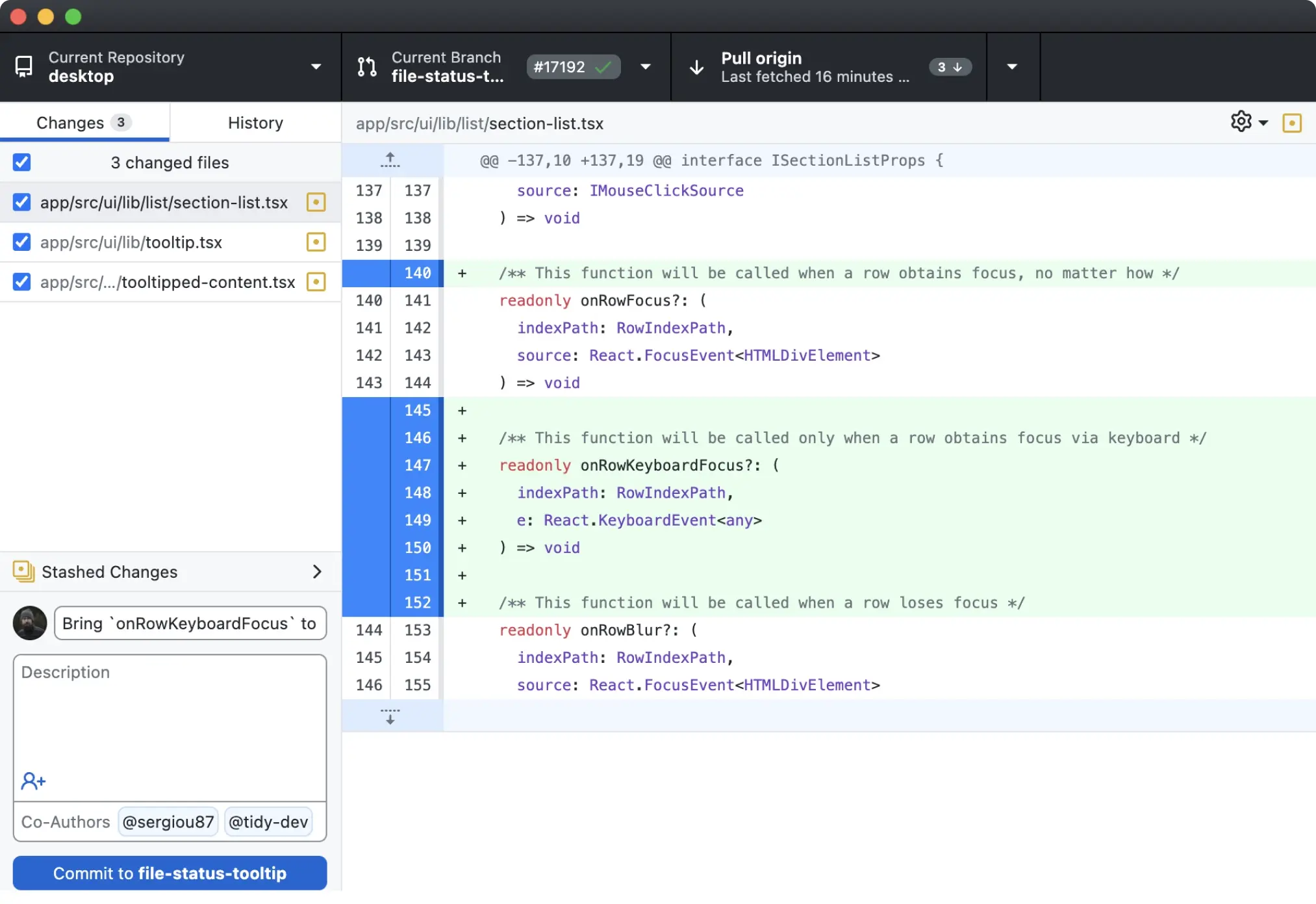
The core of the app is a two-pane view of your repository: changed files on one side, a diff of the selected file on the other. You review exactly what changed, stage whole files or individual hunks, write a commit message, and commit. The history view presents your branch as a readable timeline, so walking back through what happened takes seconds instead of a log command and a pager. Image diffs render visually, which matters for design assets and screenshots in a repo.
Branching Without Fear
Creating, switching, and deleting branches is a click away. More advanced moves that intimidate many Git users are drag and drop here: cherry-pick a commit onto another branch, squash a messy series of commits into one clean one, or reorder commits before pushing. If a merge goes wrong, the app surfaces conflicts file by file and lets you open them in your editor. You can also stash uncommitted changes when you need to switch context quickly.
Tight GitHub Integration
Cloning a repository from GitHub or GitHub Enterprise takes one click, and you can sign in to both. The app lists your open pull requests with their CI check status, lets you check out a pull request branch locally to test it, and pushes new branches with the upstream configured automatically. Co-authors can be added to commits from a simple picker, and mentions of issues and pull requests link straight back to the site.
Works With the Rest of Your Tools
GitHub Desktop integrates with external editors such as VS Code and with your preferred shell, so opening the current repository in your editor or terminal is always one menu away. It is not limited to GitHub remotes: any Git repository with a reachable remote URL can be cloned, fetched, and pushed to, including GitLab or a self-hosted server, though pull request features only work with GitHub hosts.
Where It Fits, and Where It Doesn't
For beginners, it removes the steepest part of the Git learning curve. For experienced developers, it speeds up the repetitive parts: reviewing diffs, curating commits, juggling branches. It is not a full Git power tool: there is no interactive rebase editor, no submodule interface, and operations like reflog recovery still belong in the terminal, so advanced users typically keep both side by side. Conflicts are also handled more conservatively than in dedicated merge tools. The app is free, open source under the MIT license, and maintained by GitHub with frequent releases.
Key Features
Visual diffs and partial staging
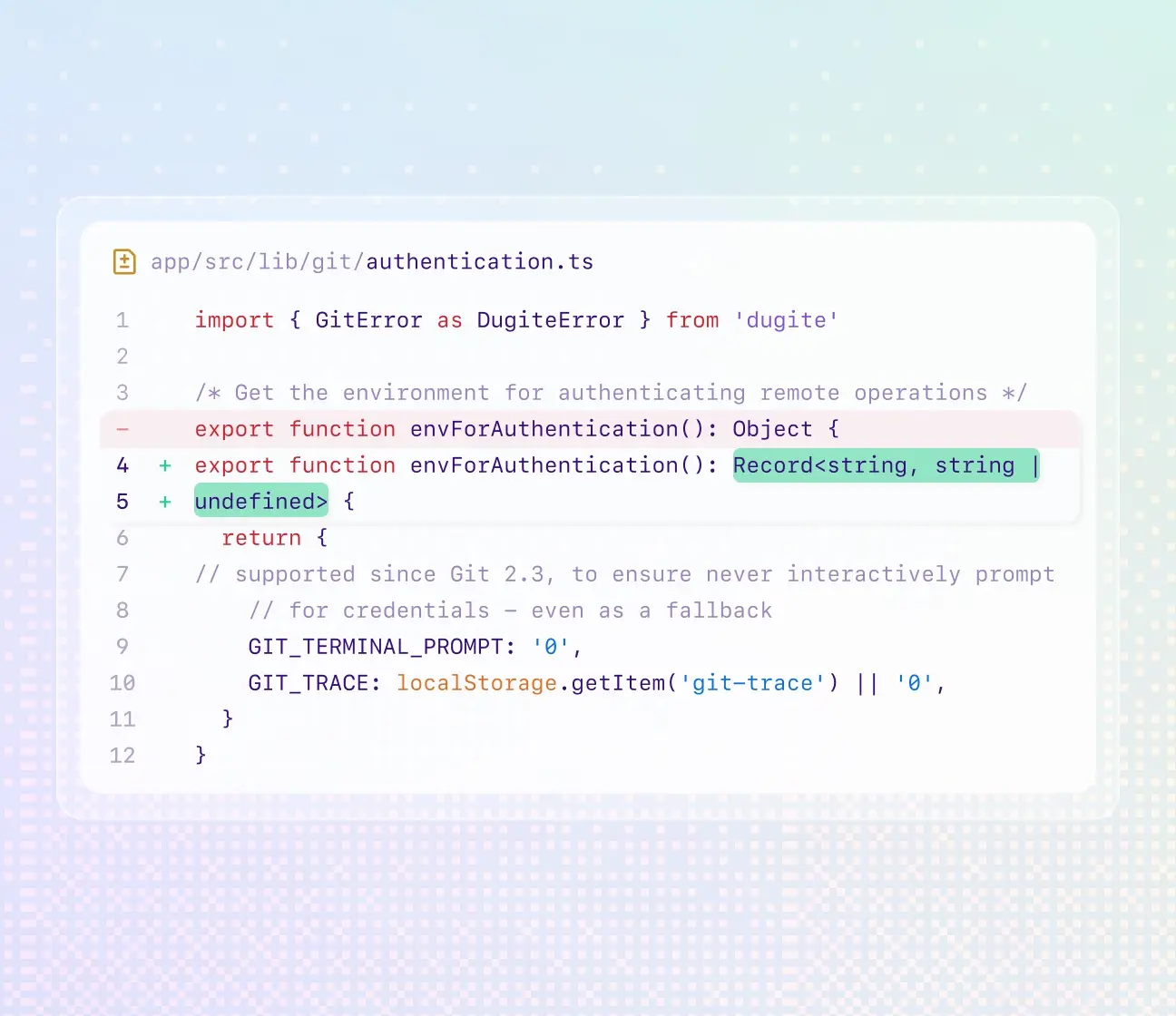
Review changes line by line with syntax highlighting, stage whole files or individual hunks, and preview image diffs before you commit.
Drag-and-drop history editing
Cherry-pick, squash, reorder, or revert commits by dragging them, with no interactive rebase commands to learn.
One-click GitHub integration
Clone from GitHub or GitHub Enterprise, check out pull request branches locally, and see CI check status inside the app.
Branch and stash management
Create, switch, merge, and delete branches visually, and stash work in progress when you need a clean context switch.
Pros & Cons
Pros
- Free and open source (MIT), maintained by GitHub with regular updates
- Makes hard Git operations (cherry-pick, squash, conflict resolution) visual and safe
- Friendly for beginners while still useful for experienced developers
- Works with any Git remote, not just GitHub-hosted repositories
Cons
- No official Linux version (Windows and macOS only)
- Not a full Git replacement: no interactive rebase editor, submodule UI, or reflog access
Frequently Asked Questions
Is GitHub Desktop free?
Yes. It is completely free and open source under the MIT license, with no account required for local repositories. Signing in with a GitHub or GitHub Enterprise account unlocks clone, pull request, and check-status integration.
Do I need to know Git commands to use it?
No. Everyday operations like committing, branching, merging, cherry-picking, and squashing are fully visual. The app runs real Git underneath, so the terminal is still there when you need advanced operations.
Does it work with GitLab or other Git hosts?
Yes, for the basics: you can clone, fetch, and push to any Git remote URL, including GitLab, Bitbucket, or a self-hosted server. Pull request workflows and CI check status are only available with GitHub and GitHub Enterprise.
Screenshots