
GOM Player
Feature-rich free media player with support for 100+ formats and advanced playback capabilities
Download Now
Free for Windows, macOS, Android. No registration required.
One of over 130 tools we've selected. No paid listings.
How we review software →Screenshots
About GOM Player
GOM Player is a robust, feature-rich media player that has established itself as one of the most reliable solutions for multimedia playback on Windows. Developed by GOM & Company, a South Korean software firm, GOM Player delivers a comprehensive multimedia experience with support for an extensive array of video and audio formats, eliminating the need for users to hunt down external codecs.
Key Capabilities
The player supports over 100 video formats including MP4, MKV, AVI, FLV, WMV, MOV, and many others. A standout feature is its ability to play incomplete or corrupted files—particularly useful when dealing with videos still downloading or files from unreliable sources. The built-in codec finder automatically locates missing codecs, simplifying setup for users unfamiliar with technical requirements.
Advanced Features
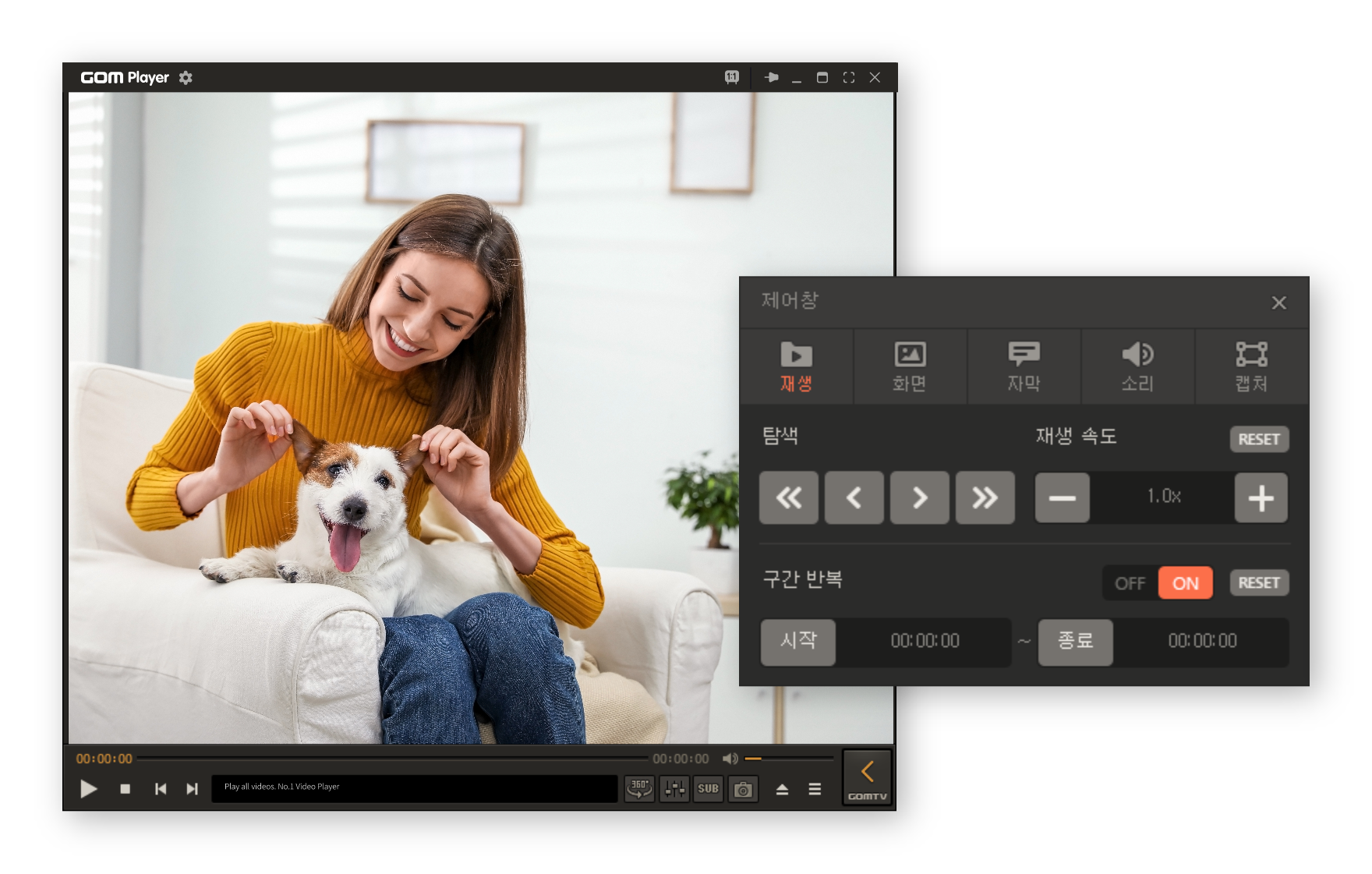
GOM Player excels in modern playback functionality. It includes 360-degree VR video support, allowing users to explore panoramic content with intuitive mouse controls. Variable playback speed ranges from 0.25x to 4x, accommodating different viewing preferences. The player also offers frame-by-frame navigation, screenshot capture, and audio normalization capabilities that enhance the viewing experience.
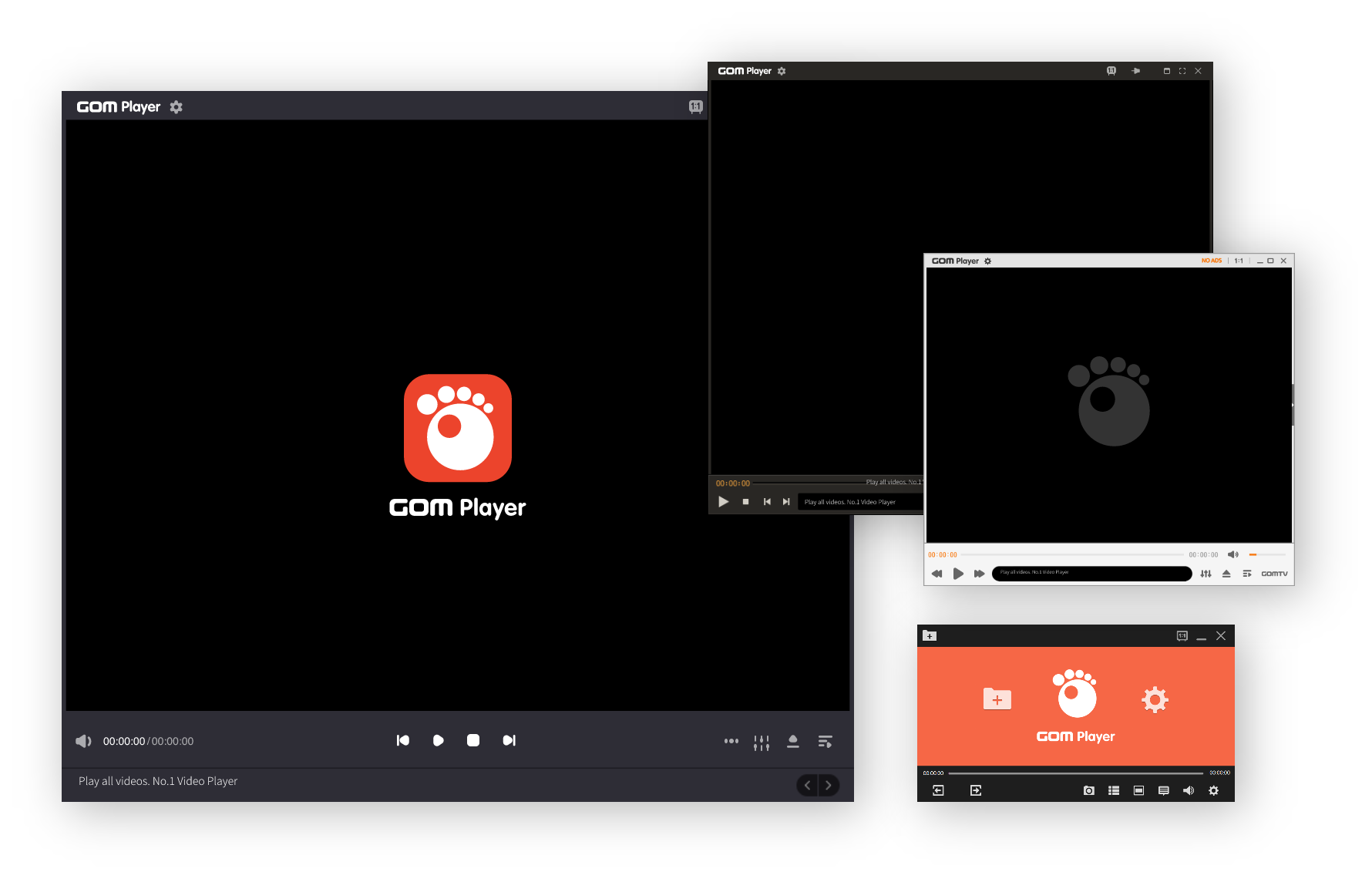
Customization is extensive. Users can select from multiple interface skins to personalize the application's appearance, while adjustable toolbar layouts and playback controls adapt to individual workflows. Subtitle management is sophisticated, supporting numerous formats including SRT, ASS, VTT, and others, with options for synchronized downloading and syncing adjustments.
Practical Considerations
The free version includes occasional advertisements, though they remain unobtrusive. For users seeking an ad-free experience, GOM Player Plus provides premium features including improved performance optimization and enhanced video quality handling.
System requirements are modest, making it accessible on both older and contemporary hardware. The player integrates well with various file managers and can be controlled remotely via mobile companion apps, effectively transforming smartphones into media playback remotes.
Conclusion
GOM Player represents a mature media solution for Windows users requiring versatile format support and advanced playback controls without excessive complexity. Its combination of codec compatibility, playback flexibility, and user customization options makes it a compelling choice in the free player category.
Key Features
360-Degree VR Video Playback
Support for immersive panoramic video content with intuitive navigation controls and VR headset compatibility for enhanced viewing experience
Multi-Format Support
Comprehensive codec library supporting 100+ video and audio formats including MP4, MKV, AVI, FLV, WMV, MOV, and many others without requiring external codec installations
Advanced Playback Controls
Variable playback speed control (0.25x to 4x), frame-by-frame navigation, video screenshot capture, and audio normalization capabilities for customized viewing preferences
Pros & Cons
Pros
- Comprehensive codec support with 100+ formats - no external installations needed
- Plays corrupted and incomplete video files reliably
- Highly customizable interface with multiple skins and themes
Cons
- Free version contains advertisements during playback
- Limited to Windows platform only for desktop users
Frequently Asked Questions
Does GOM Player support subtitle files?
Yes, GOM Player supports a wide range of subtitle formats including SRT, ASS, VTT, SUB, and many others. You can manually load subtitles or configure automatic subtitle search and synchronization features.
Screenshots